
Short answer: install Astrill VPN before you fly to China. Log in once, switch the protocol to StealthVPN, save a Hong Kong or Japan server, and test it at home. Astrill’s site and VPN apps are hard to reach once you land.
TL;DR
- Buy the plan and install the app at home. Plans start at $12.50/month (2 years).
- Install on your laptop and phone. Only use links from astrill.com. Fake Astrill apps exist on the App Store.
- Pick StealthVPN (OpenWeb as backup). It hides that you use a VPN.
- Save 2 or 3 nearby servers: Hong Kong, Japan, Taiwan, Singapore.
- Test it before you board. No refund if your network blocks the VPN.
Astrill VPN for China: quick facts
| What | Answer |
|---|---|
| Best protocol in China | StealthVPN (OpenWeb as backup) |
| Best servers | Hong Kong, Japan, Taiwan, Singapore |
| Price | $12.50 to $30 per month |
| Devices at once | 5 per household |
| Network | 142 cities in 56 countries |
| Refund if blocked | No |
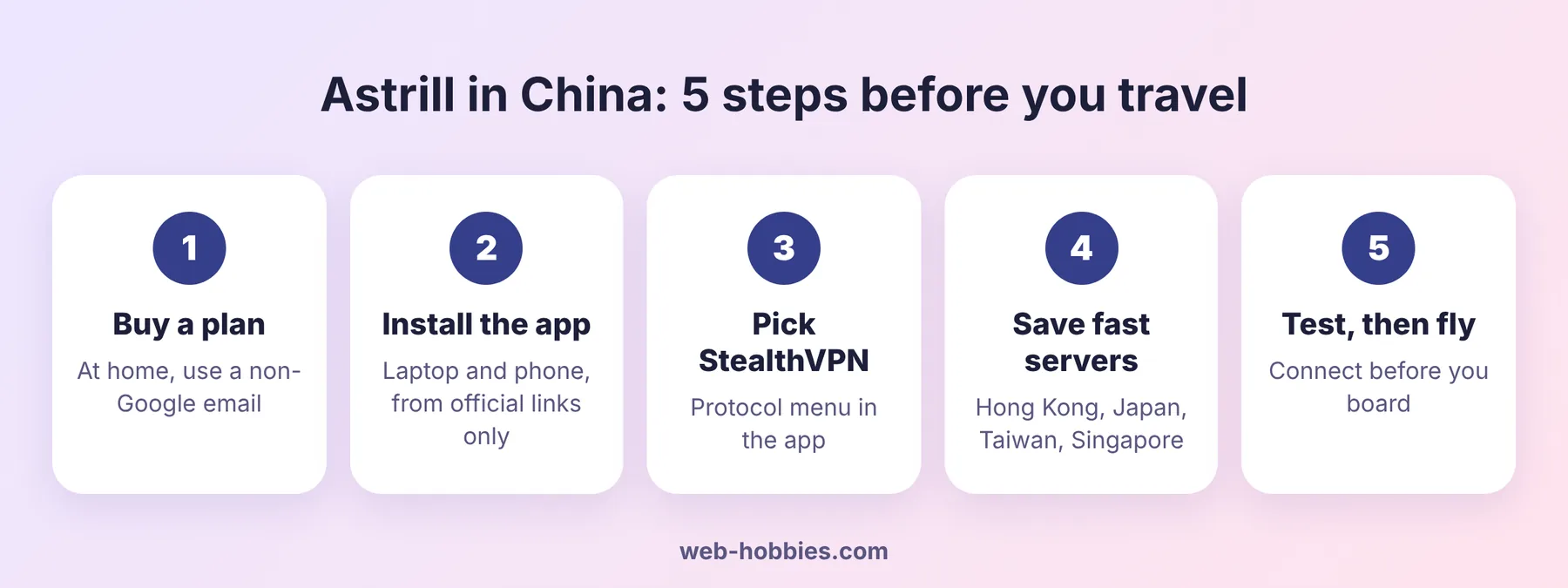
Why you must install Astrill before you land in China
The Great Firewall blocks most VPN websites. Apple also pulled VPN apps from the China App Store back in 2017. So once you land, getting the app is hard.
Google, Gmail, WhatsApp, YouTube and Instagram are blocked too. If your VPN is not ready on day one, you lose all of them.
Astrill is the VPN long-term expats in China mention most. Its StealthVPN and OpenWeb protocols are built to hide VPN traffic. But they only help if the app is already on your device.
Step 1: Create your Astrill account and pick a plan
Go to the Astrill pricing page. Pick a plan and create your account on the same page.

| Plan | Per month | You pay |
|---|---|---|
| 1 month | $30.00 | $30 every month |
| 1 year | $15.00 | $180 per year |
| 2 years | $12.50 | $300 every 2 years |
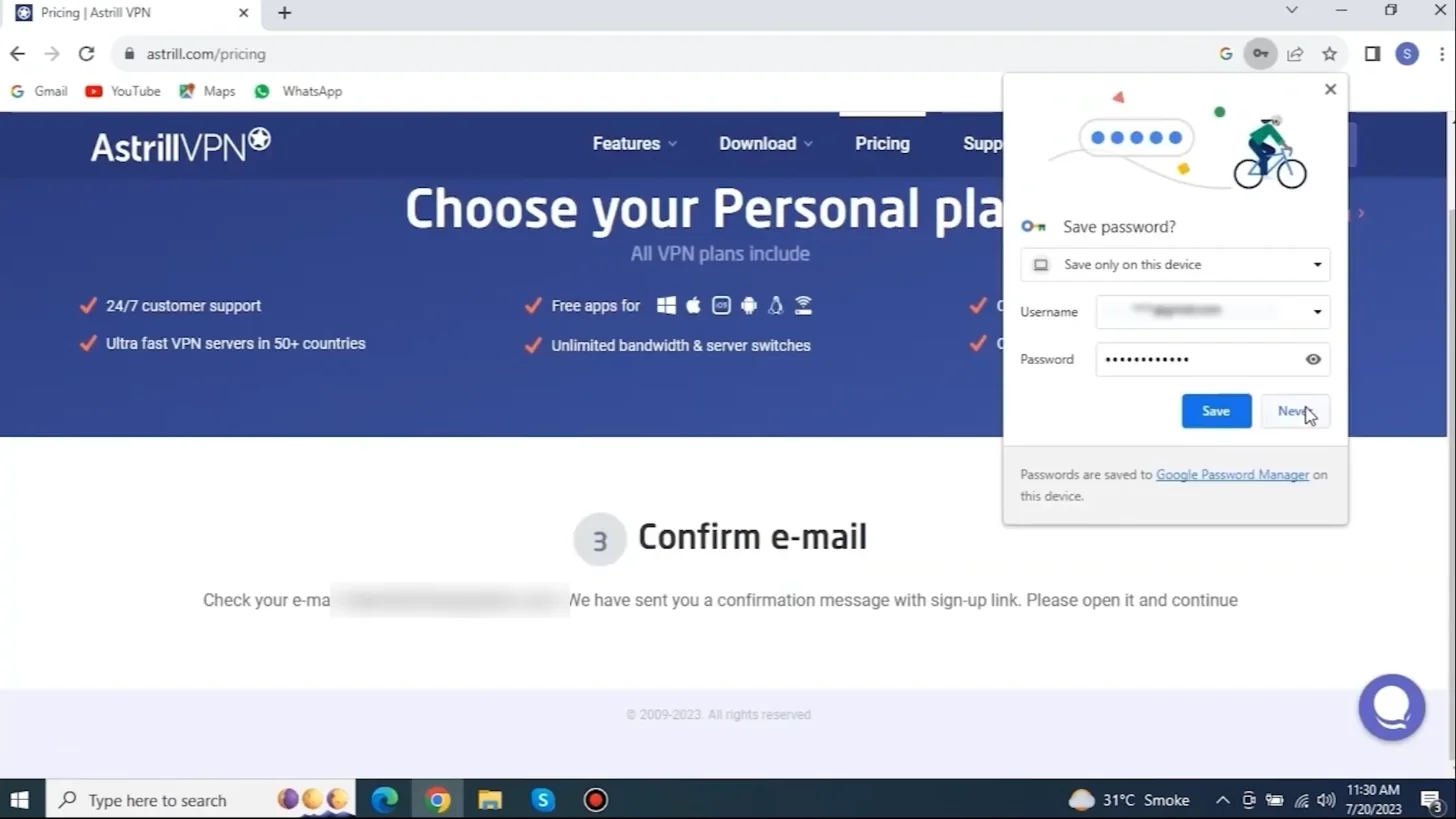
Two add-ons matter for China. VIP (from $10/month) gives faster, priority traffic for users in Asia. Private IP ($5/month) gives you a static IP only you use. Most travelers don’t need either. Full details in our Astrill price per month guide.
Two tips while you sign up:
- Use an email that works in China. Gmail is blocked there, so reset emails won’t reach you without a VPN.
- Save your login offline. A password reset from inside China is a pain. See how to change or reset your Astrill password.
Step 2: Download the app on every device
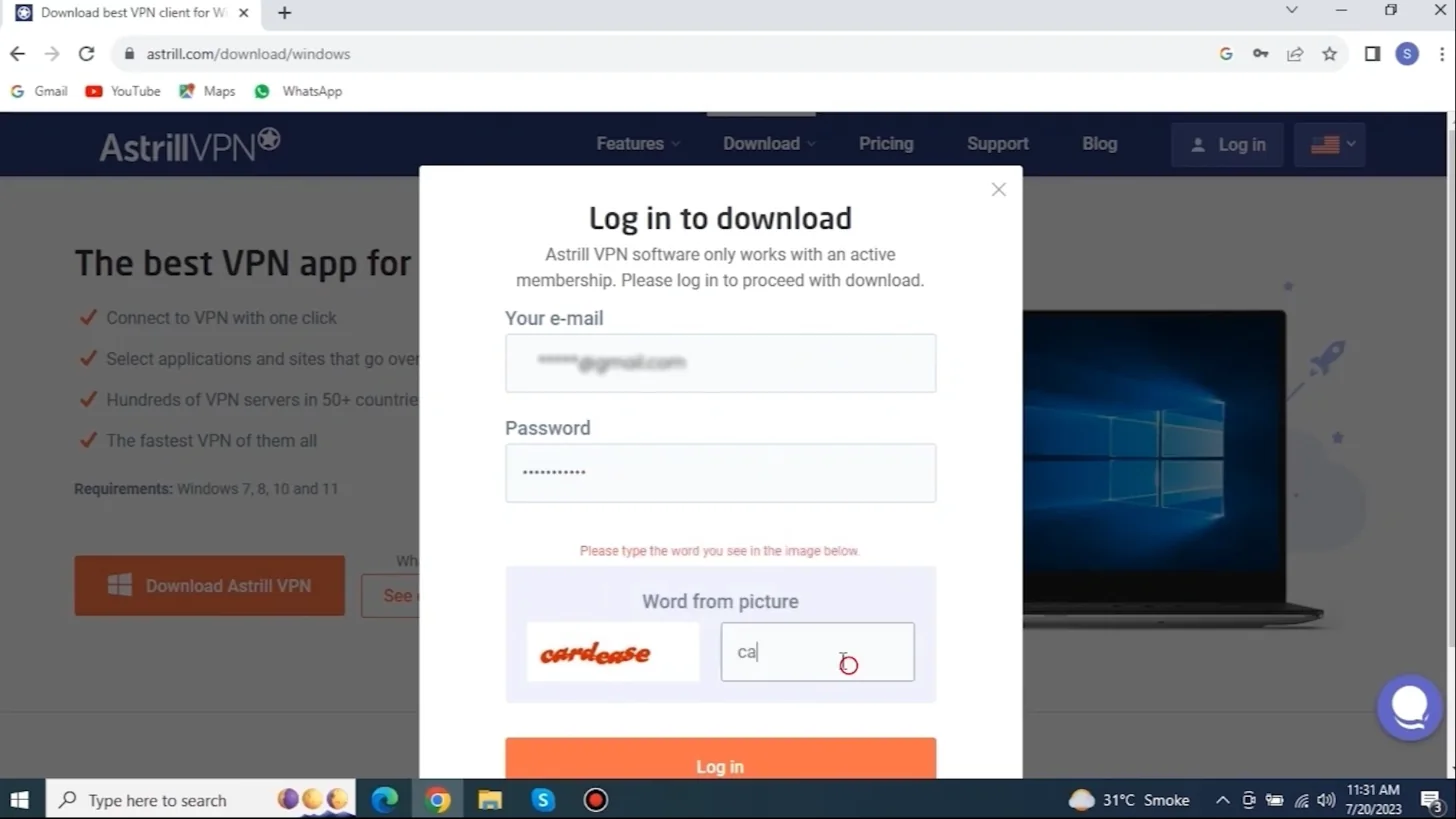
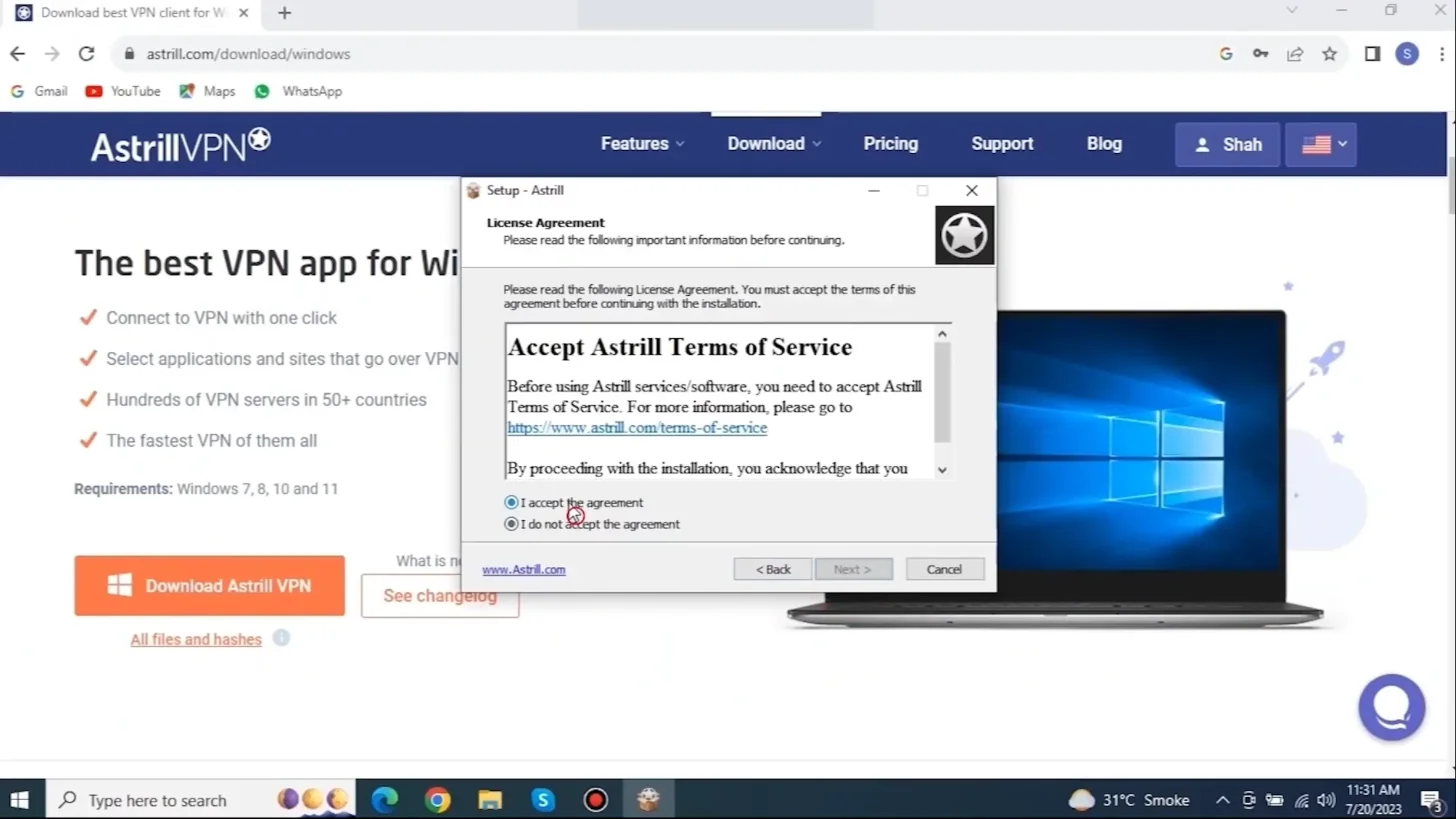
Get every app from the official Astrill download page. Install it on at least two devices. If one acts up, you still have the other.
The download page asks you to log in first. Astrill’s software only works with an active membership, so buy the plan before you try to download.
| Device | Where to get it | China tip |
|---|---|---|
| Windows, Mac, Linux | astrill.com/download | Best app. All protocols. |
| Android | Astrill site (APK) or Google Play | Save the APK file offline. |
| iPhone, iPad | App Store (official link only) | Use a non-China Apple ID. |
| Router | OpenVPN or Astrill router setup | Covers TVs and consoles. |
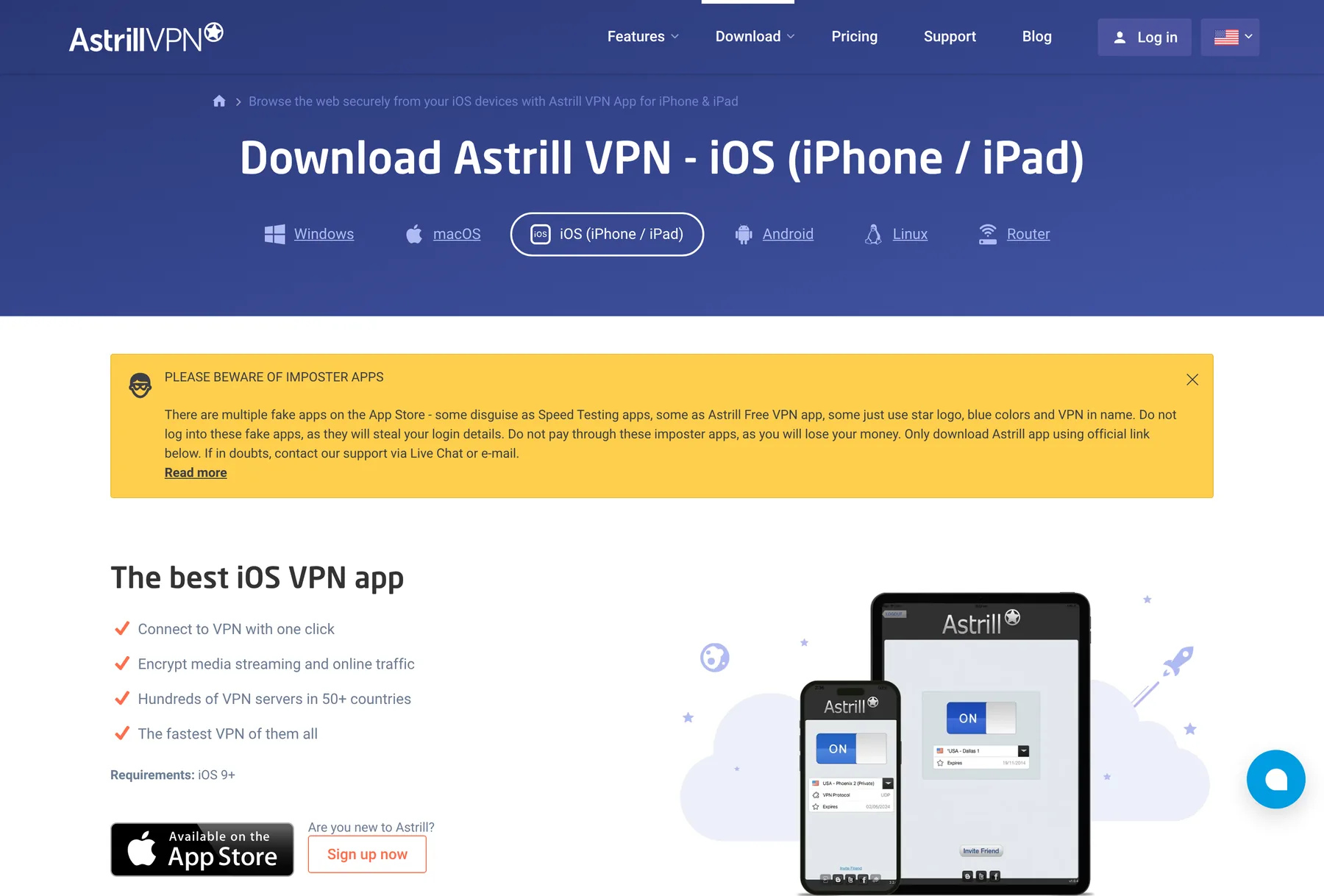
Watch out on iPhone. Astrill says fake apps copy its star logo and blue colors. Some pose as speed tests or a “free” Astrill. Never log in to them. Our iPhone setup guide walks you through the real one.
Step 3: Switch the protocol to StealthVPN
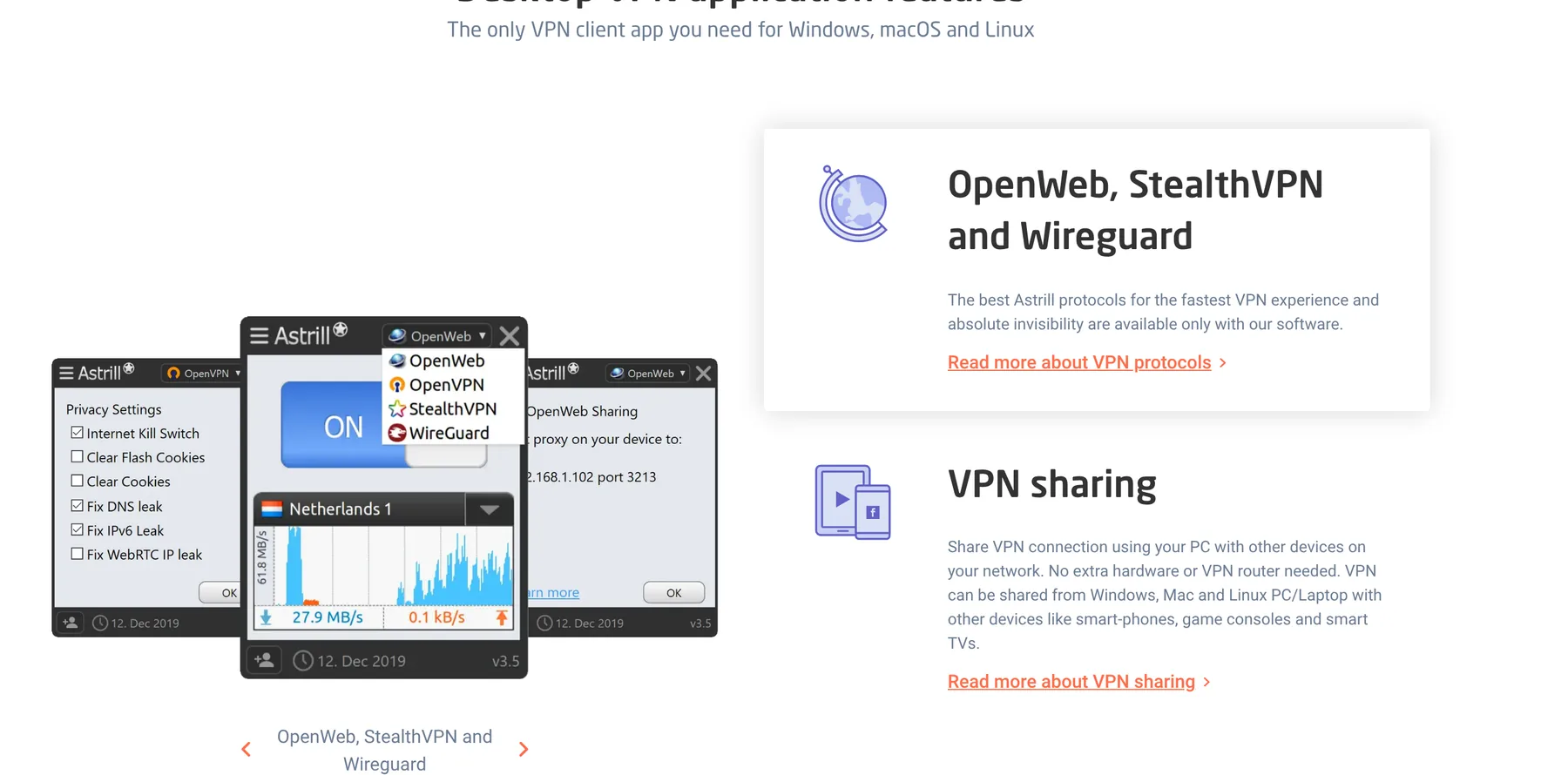
StealthVPN is Astrill’s own protocol. It makes VPN traffic look like normal web traffic, which helps it get past China’s filters. Plain OpenVPN and WireGuard get blocked far more often.
- Open Astrill and log in.
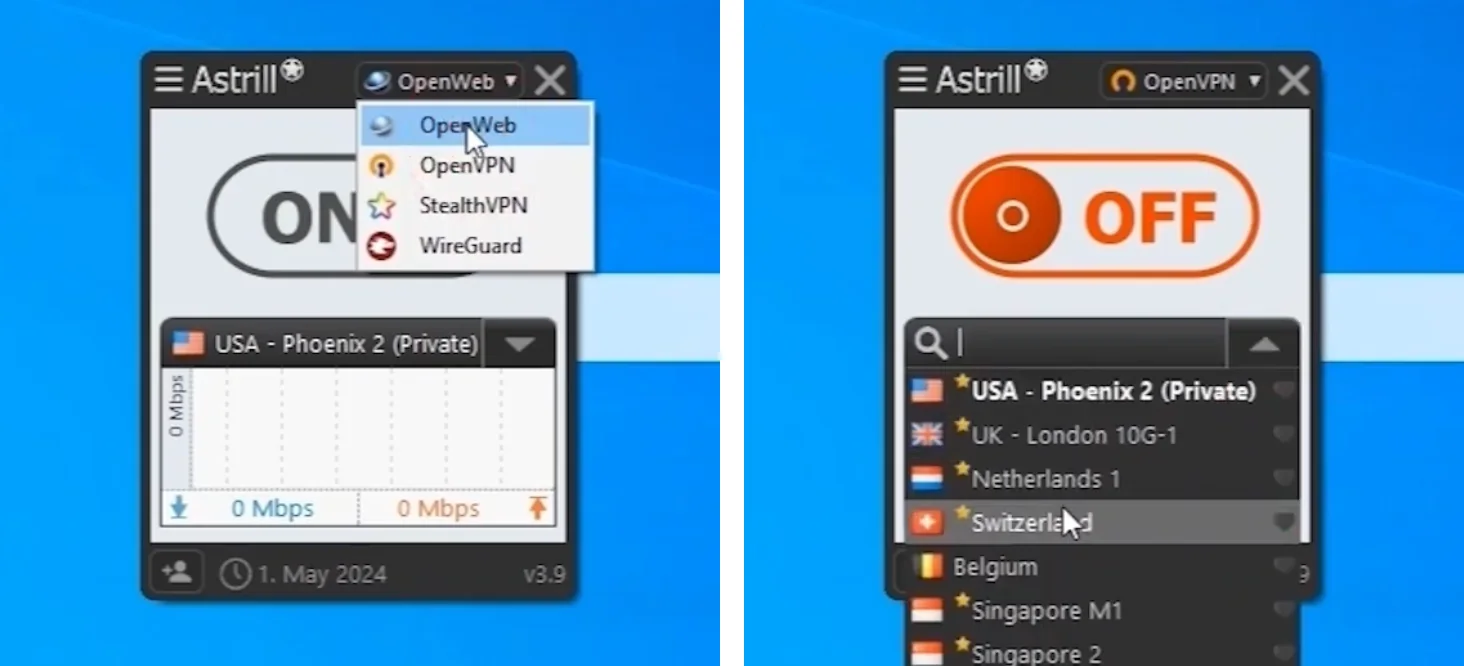
- Click the protocol menu (top right on desktop).
- Choose StealthVPN.
- Keep OpenWeb as plan B. It is light and fine for browsing.
StealthVPN, OpenWeb and Astrill’s WireGuard are only in Astrill’s own apps. Mobile apps can show a shorter list, so treat your laptop as the main device.
Step 4: Pick the right servers
Closer servers are faster. From mainland China, start here:
| Server | Best for |
|---|---|
| Hong Kong | Daily use, lowest delay |
| Japan, Taiwan, Korea | Backup with good speed |
| Singapore | Stable fallback |
| US West Coast | US streaming and banking |
Star 2 or 3 of them as favorites. When one slows down, switch. Don’t wait. Around big political dates the firewall gets tighter, and rotating servers is normal.
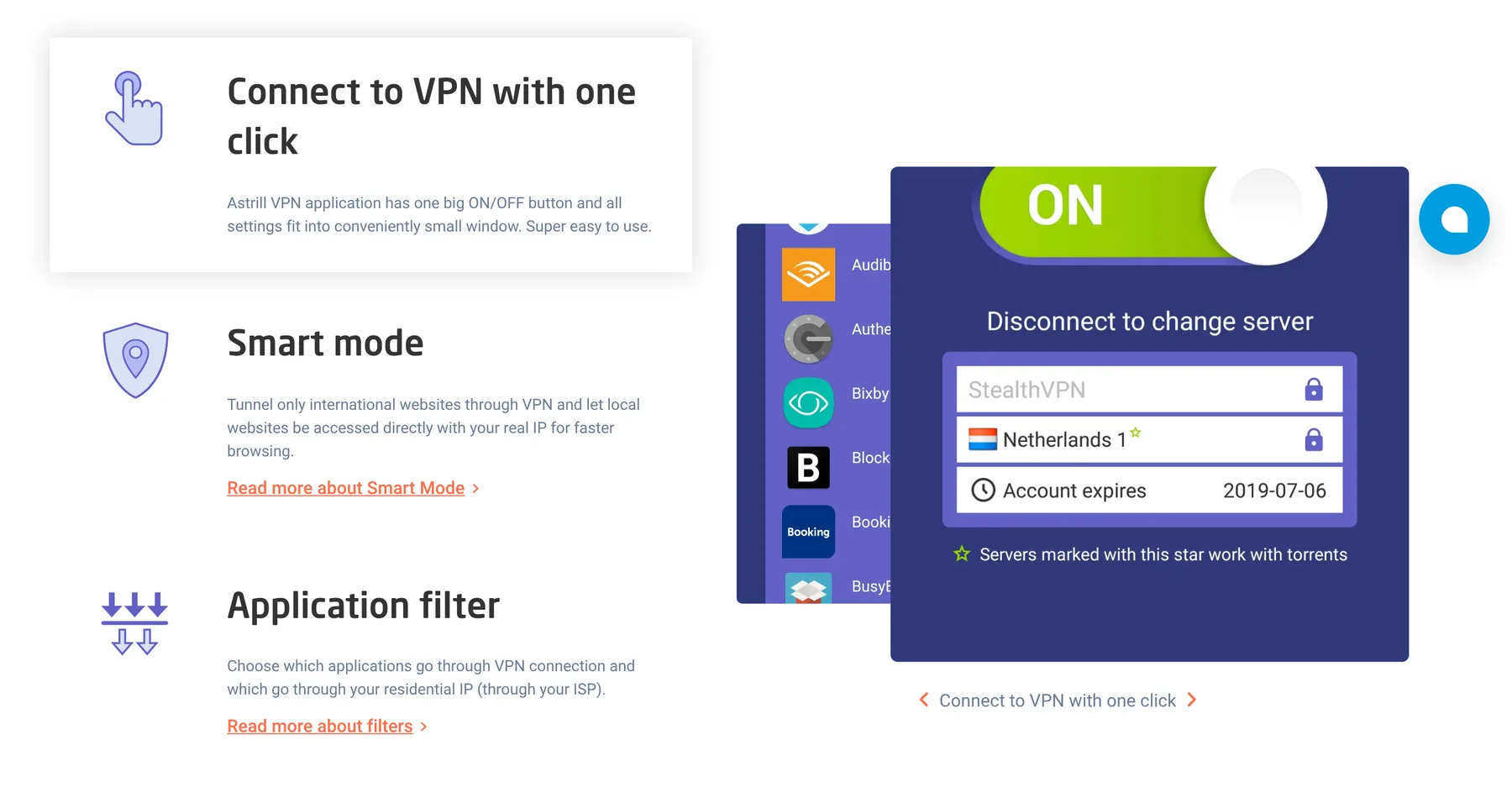
Also turn on Smart Mode. It sends only foreign sites through the VPN. Local apps like WeChat, Alipay and Chinese banks keep running on your normal connection, which is faster and avoids login issues.
Step 5: Test it before you fly
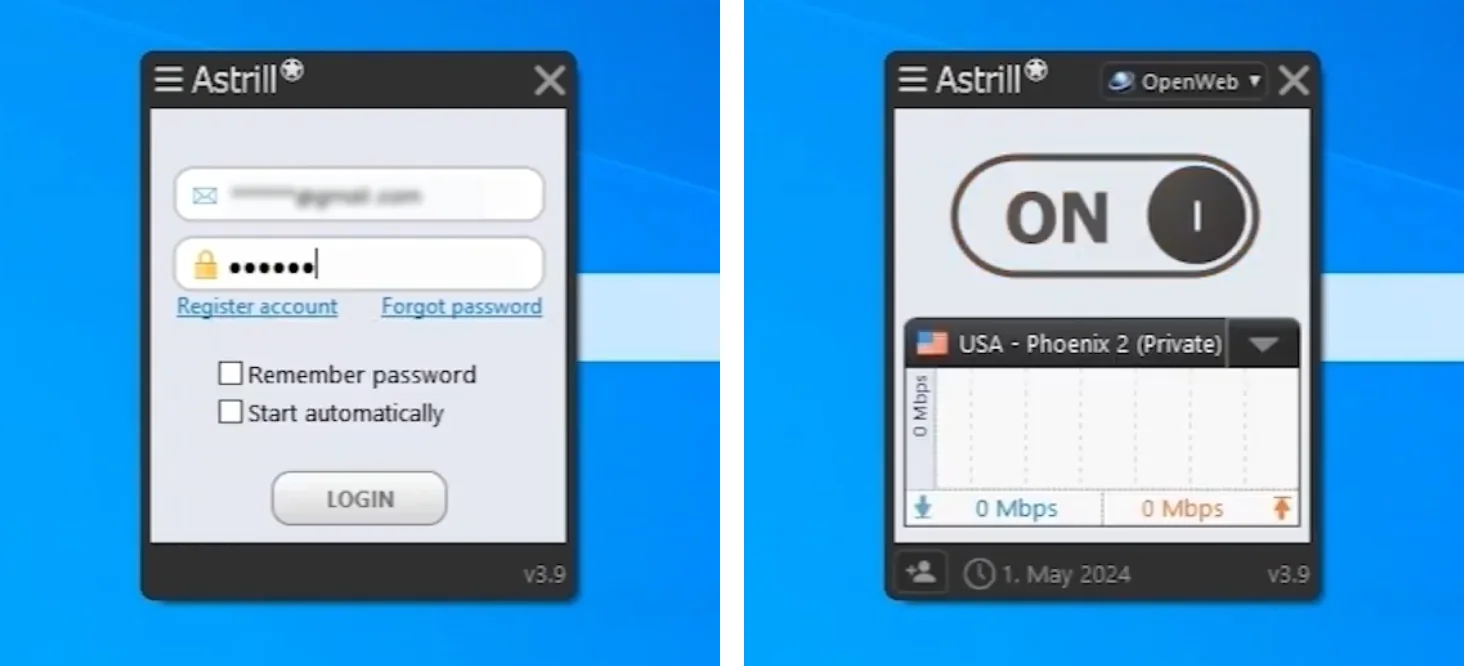
- Connect with StealthVPN to Hong Kong.
- Open YouTube and Gmail to confirm they load.
- Turn on the Kill Switch on desktop so nothing leaks if the VPN drops.
- Connect again on your phone right after you land.
Want to see it done? Here is Astrill’s own setup video for Windows:
Already in China without Astrill? Try this
It’s harder, but not hopeless:
- Use roaming data. A foreign SIM or eSIM on roaming often routes traffic home, outside the firewall. Download Astrill over that connection.
- Ask a friend abroad to send you the Windows, Mac or Android installer file.
- Use Astrill’s official mirror. Its FAQ lists astrill-mirror.com for when the main site won’t load.
- Contact Astrill support by email or live chat. They help users get the app.
- iPhone: sign in with a non-China Apple ID to see the app in the App Store.
If it suddenly stops working, check our guide on whether Astrill is down and how to fix it.
What expats on Reddit say about Astrill in China
Threads on r/China and r/chinalife keep landing on the same points. Astrill is pricey, but it tends to come back fastest after a crackdown. That’s why many long-term expats stick with it.
The common complaints are the price and the strict refund rules. The common advice: install before you arrive, use StealthVPN, and keep a second VPN as a backup.
Is it legal to use Astrill in China?
China only allows government-approved VPNs. In practice, enforcement targets sellers and local users, not foreign visitors checking email or work tools. Millions of travelers and businesses use VPNs every day. Still, it is a gray area, so use it for normal things only. This is not legal advice.
FAQ
Can I download Astrill VPN inside China?
Usually not from the main site or the China App Store. Astrill’s mirror (astrill-mirror.com), roaming data, a file from a friend, or Astrill support can work. The safe way is to install it before you arrive.
Which Astrill protocol works best in China?
StealthVPN. OpenWeb is a lighter backup. Plain OpenVPN and WireGuard get blocked more often.
Does Astrill work on iPhone in China?
Yes. Install it from the official App Store link before you travel, with a non-China Apple ID. The iOS app has a “Reconnect” feature because iOS can close it in the background.
How many devices can I use?
Every personal plan lets you connect up to 5 devices in one household at the same time.
Can I get a refund if Astrill doesn’t work in China?
Don’t count on it. Astrill’s terms say there is no refund if your internet provider blocks the VPN. That’s one more reason to test it at home first.
Bottom line
Set up Astrill at home, on two devices, with StealthVPN and a Hong Kong favorite. Test it, then fly. Do that and you will be online the minute you land.