
TL;DR
- Astrill is rarely fully down. 9 times out of 10 it is one server, your network, or a firewall block.
- Quick check: switch server, switch protocol, log out and back in.
- Confirm an outage on DownDetector, Reddit (r/China, r/VPN) and Astrill support chat.
- In China, slowdowns around big political events are normal. Rotate servers and use StealthVPN.
Is Astrill down right now, or is it just you?
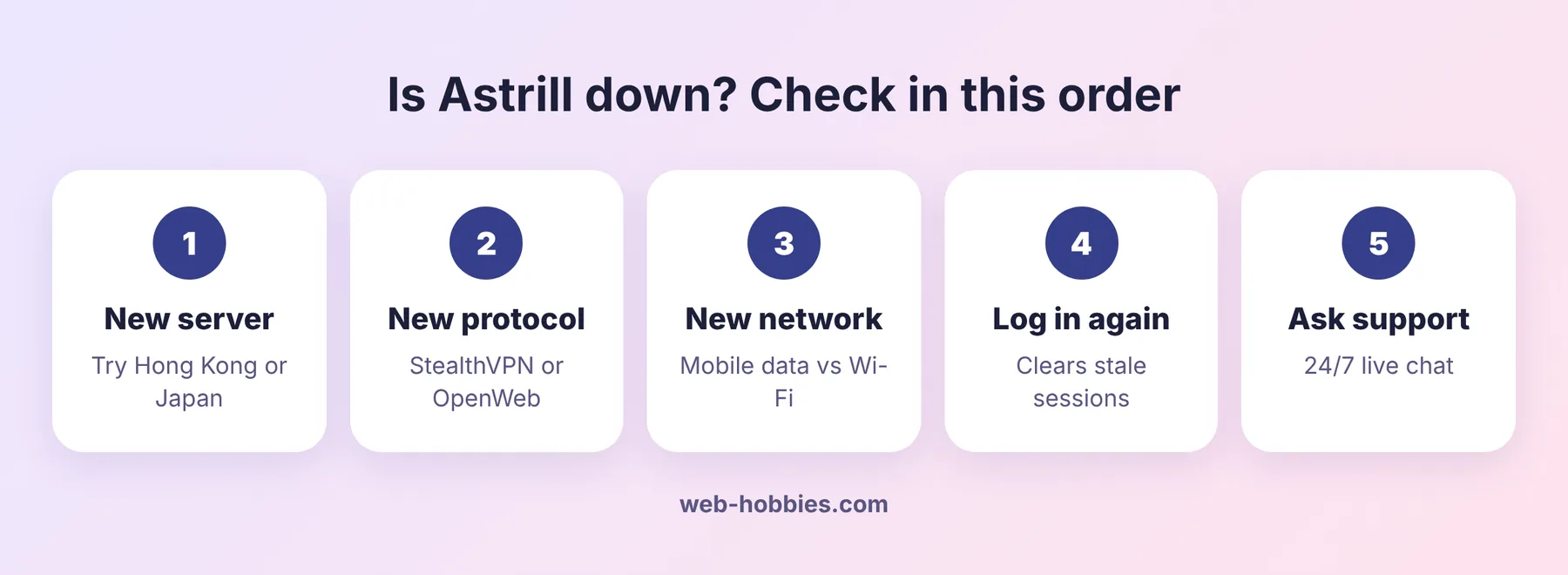
Work through this in order. Each check takes under a minute.
| Check | How | If it works |
|---|---|---|
| Another server | Pick a different country | One server was overloaded, not an outage |
| Another protocol | Switch StealthVPN to OpenWeb or back | Your network blocks one protocol |
| Another network | Try mobile data instead of Wi-Fi | Your Wi-Fi or ISP is the problem |
| Another device | Phone vs laptop | The app on one device needs a reinstall |
| Status sources | DownDetector, Reddit, Astrill support | If many users report it, it is a real outage |
Where to confirm an Astrill outage
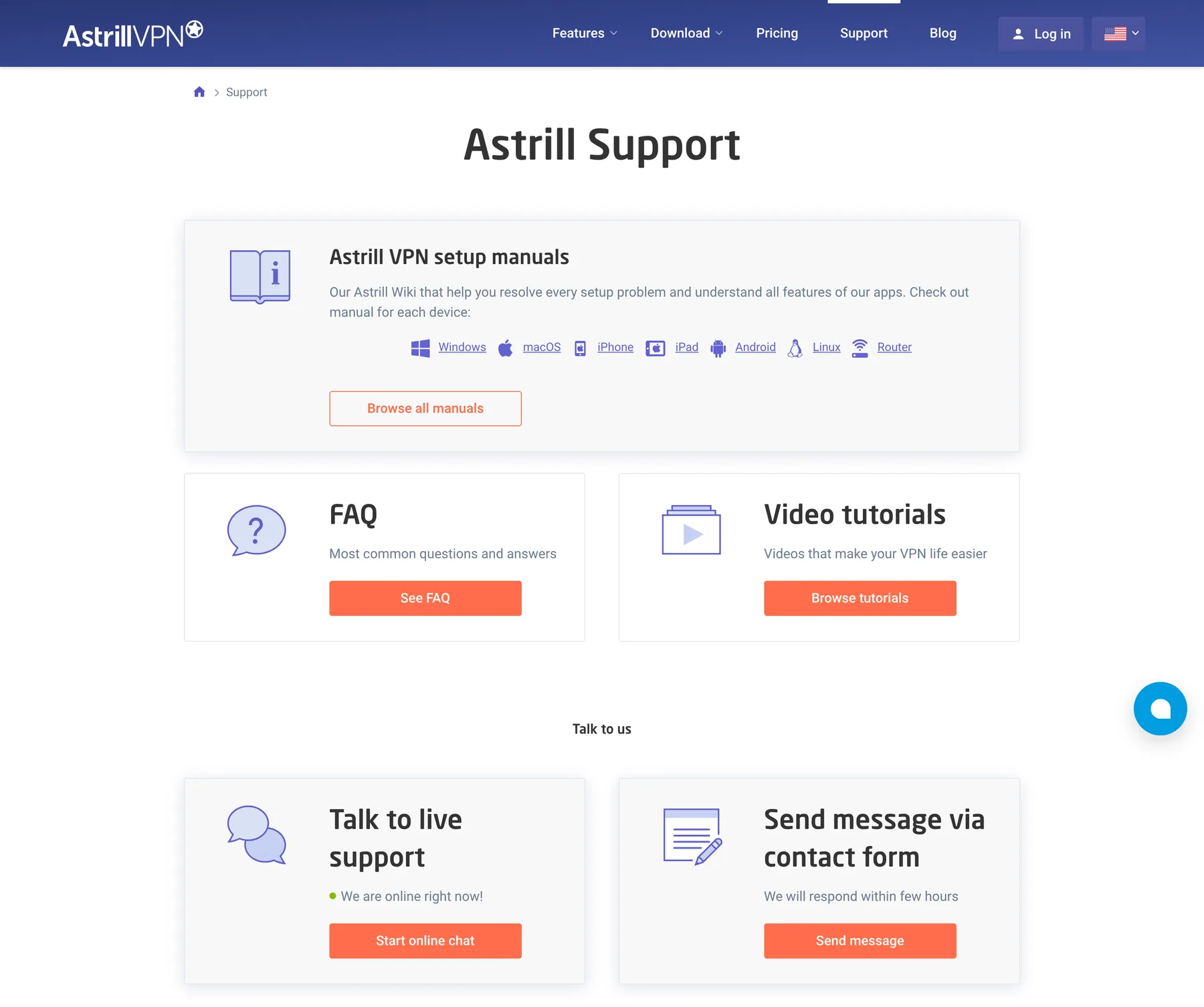
- Astrill support. 24/7 live chat on the support page. If the site is blocked where you are, use Astrill’s official mirror, astrill-mirror.com.
- DownDetector. Search “Astrill”. A spike in reports means others see it too.
- Reddit. r/China, r/chinalife and r/VPN get “is Astrill down” threads within minutes of a real outage or a China crackdown.
8 fixes when Astrill will not connect
- Log out, log in. Clears a stale session, which is the most common cause.
- Change server. Hong Kong, Japan, Singapore and US West are the usual safe bets.
- Change protocol. StealthVPN for blocked networks, OpenWeb for speed, WireGuard or OpenVPN elsewhere.
- Change connection settings. In the app settings, switch between UDP and TCP or try another connection port. Some networks only let certain ports through.
- Update the app. Old versions get blocked first. Download the latest from the site or the store.
- Restart your router and device. Fixes DNS and cached route issues.
- Turn off other VPNs and antivirus firewalls. Two VPN clients fight each other.
- Check your subscription. An expired plan shows up as “cannot connect”. Log in to the member area to confirm.
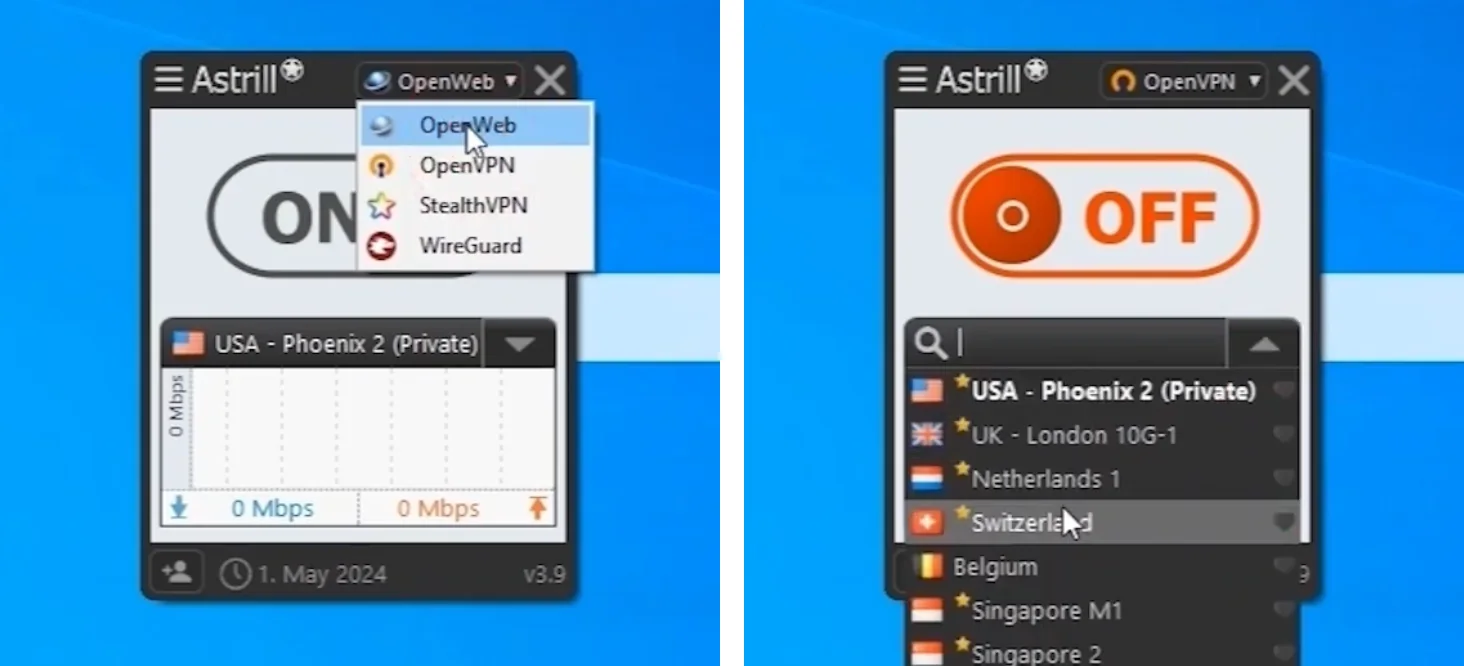
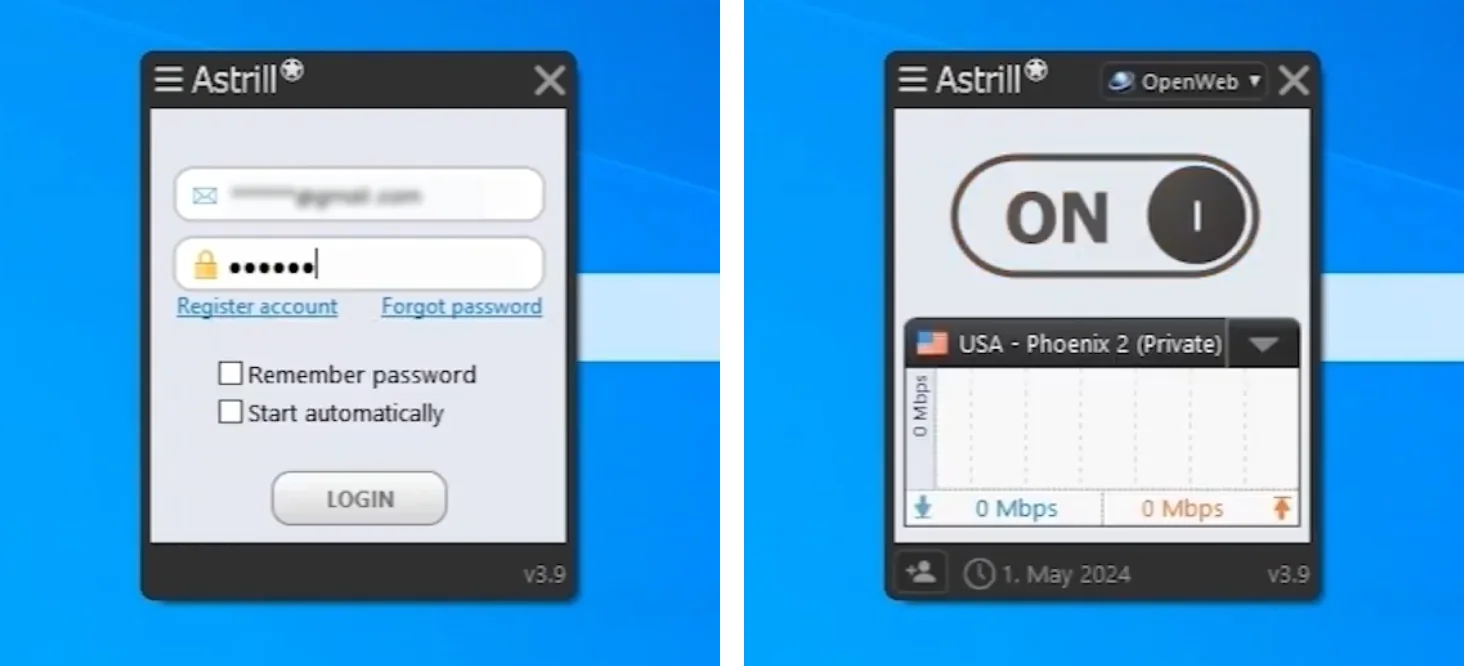
Astrill’s own video covers the same fixes step by step:
Astrill down in China: what is really happening
When Astrill “goes down” in China it is usually the Great Firewall tightening, not Astrill’s servers failing. This happens around national holidays, party congresses and sensitive anniversaries. Connections slow down, some servers stop responding, then things recover in hours or days as Astrill rotates IPs.
What helps: StealthVPN, rotating between 3 or 4 favorite servers, and keeping the app updated. If you are setting up fresh, read how to install Astrill VPN in China first.
Astrill not working on iPhone
The iOS app drops more often than desktop. Delete old VPN profiles under Settings > General > VPN & Device Management, reinstall the app, and turn on Always On. Full steps in the Astrill iPhone setup guide.
Can’t log in? It might be your password
A wrong or expired password looks like an outage. Reset it from the member area: see how to change your Astrill password.
FAQ
Does Astrill have a status page?
We couldn’t find a public status page on astrill.com. Use live chat, outage trackers like DownDetector, and Reddit instead.
Why does Astrill keep disconnecting?
Usually an unstable network, battery saver killing the app on mobile, or a blocked protocol. Turn on Always On, switch to StealthVPN and whitelist Astrill in battery settings.
Will I get a refund if Astrill is down?
Unlikely. Astrill’s refund policy says all website sales are final, and its terms exclude blocks by your ISP or country. If the problem is on Astrill’s side, tell support by live chat.