
TL;DR
- Log in at astrill.com, open the Member Area, go to your account settings and set a new password.
- Forgot it? Use Forgot password on the login page and follow the email link.
- After changing it, log out and back in on every device, including routers.
- In China, use Astrill’s official mirror astrill-mirror.com, or connect the VPN first, then open the member area.
Change your Astrill password: step by step
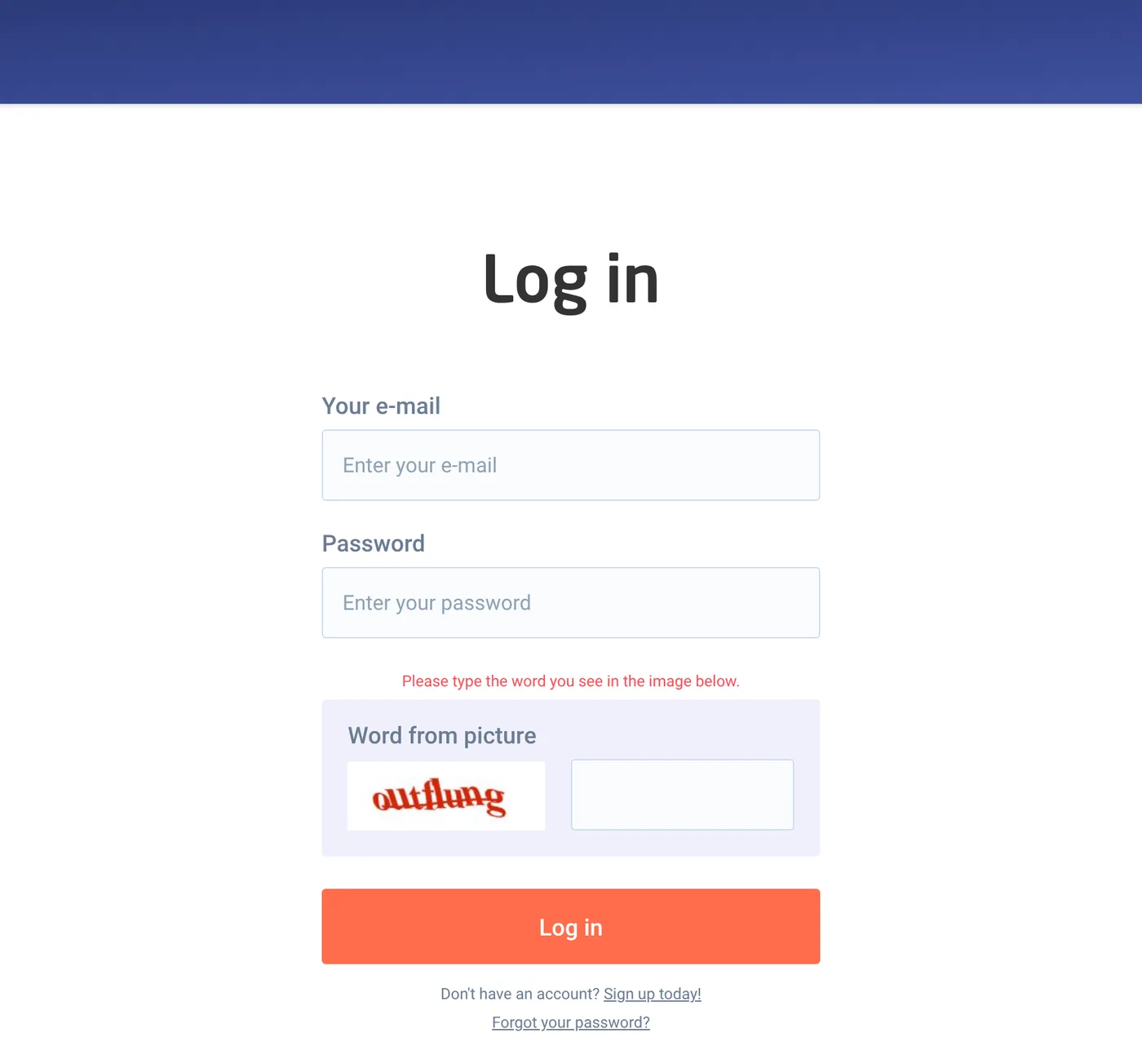
- Open astrill.com and click Log in (top right).
- Enter your e-mail, your current password and the word from the picture.
- In the Member Area, open the account or profile settings section.
- Find Change password. Enter the old password, then the new one twice.
- Save. You get a confirmation on screen and usually by email.
Do it in the member area on the website, not in the VPN app.
Forgot your Astrill password? Reset it
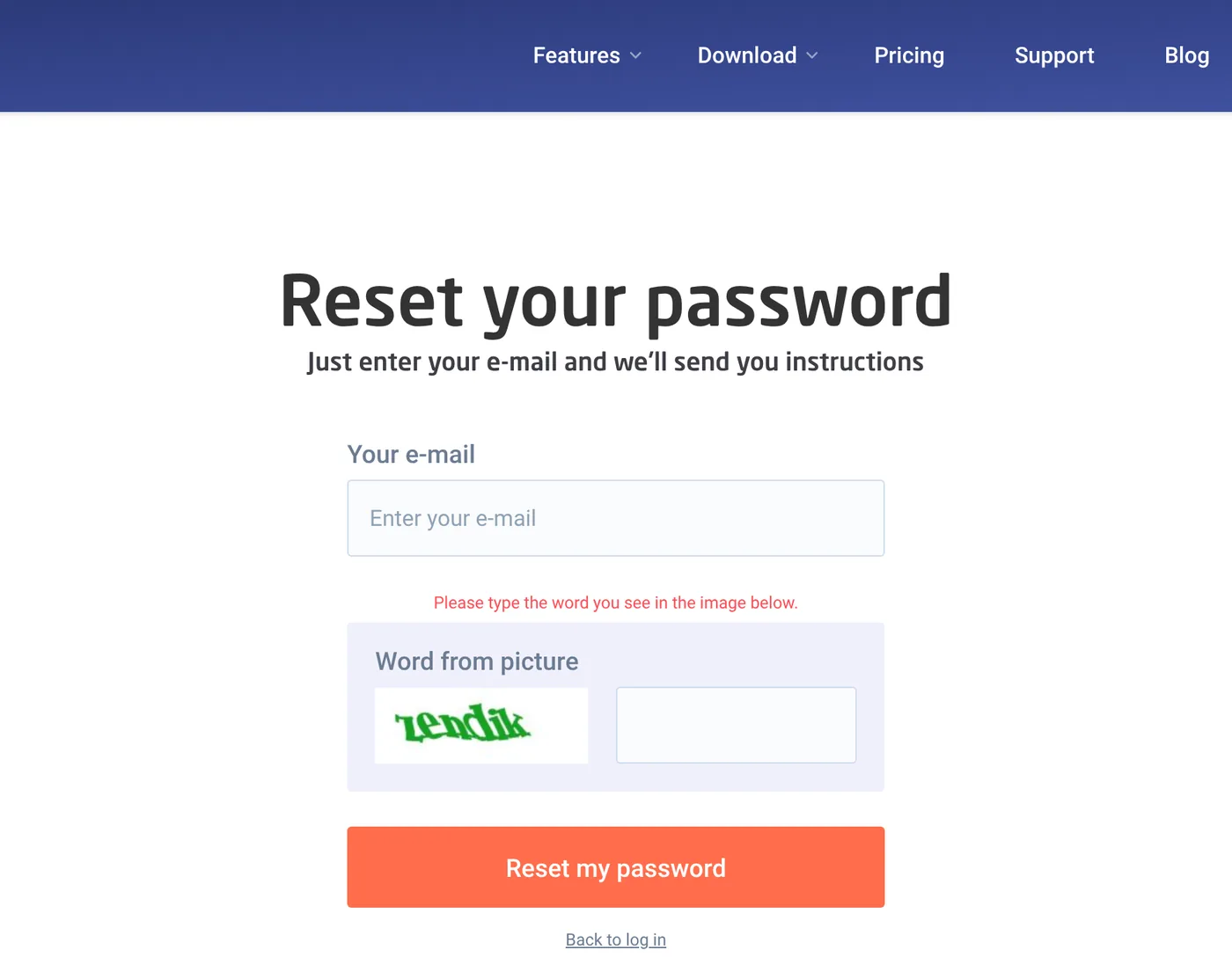
- On the login page click Forgot your password? under the Log in button.
- Enter the e-mail you signed up with and the word from the picture.
- Open the reset email (check spam) and click the link.
- Set a new password and log in.
No email arriving? Your account may be under a different address. Contact Astrill’s 24/7 live chat with your username or the payment email and they will sort it.
After you change it: update every device
| Device | What to do |
|---|---|
| Windows / Mac | Log out in the app, log in with the new password |
| iPhone / Android | Same. If it still fails, delete and reinstall the app |
| Router | Update the saved credentials in the Astrill router applet or OpenVPN config |
| Manual OpenVPN | Regenerate certificates in the member area if you use them |
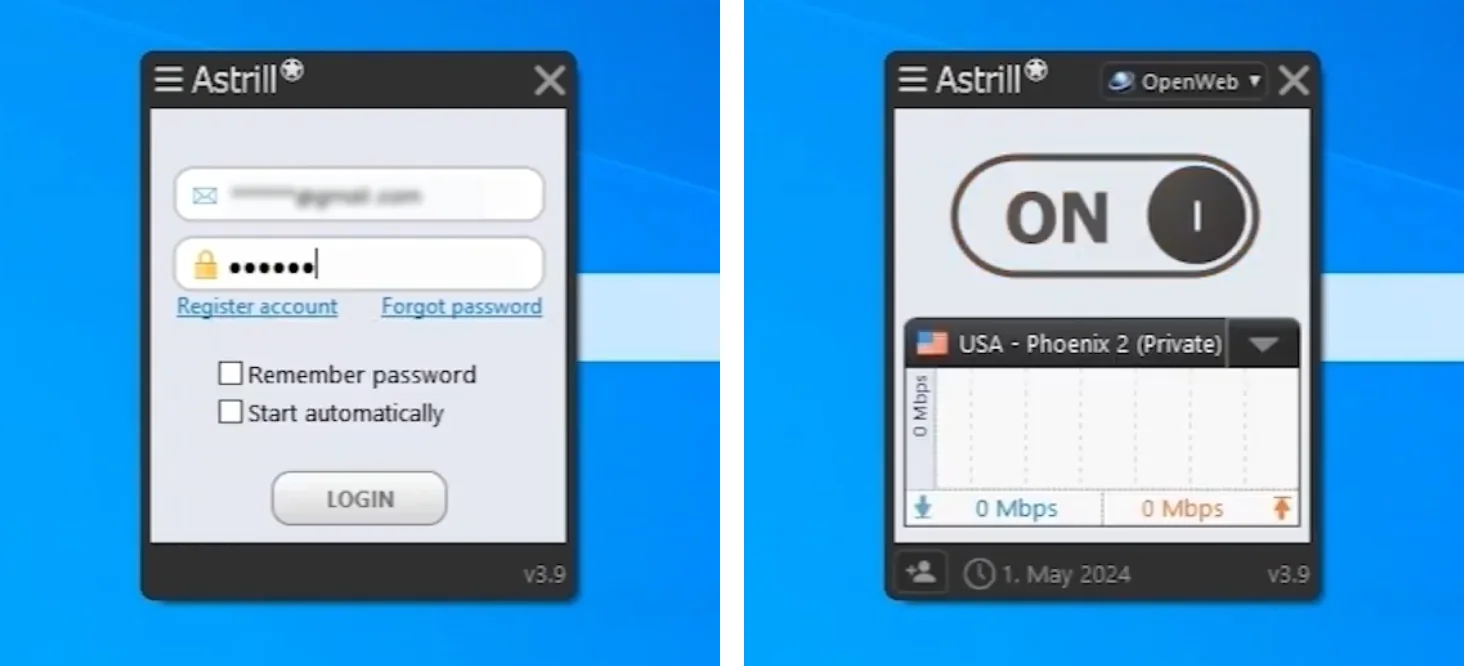
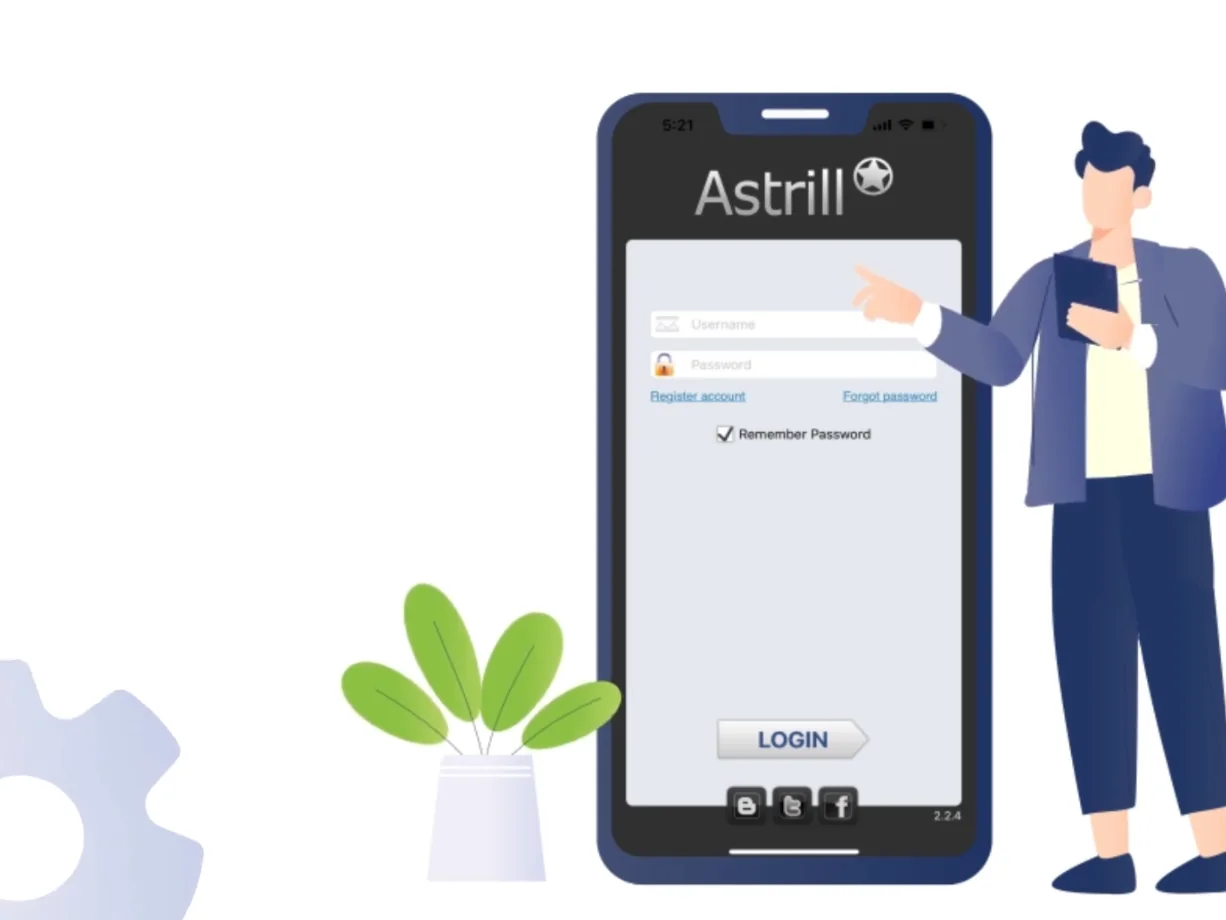
Devices still using the old password will stop connecting. If one suddenly fails after a reset, that is why, not an outage (see is Astrill down).
Changing your Astrill password from China
Astrill’s main site is often blocked in China, so the member area will not load. Three options:
- Connect Astrill first (with the old password), then open the member area.
- Try Astrill’s official mirror, astrill-mirror.com (listed in Astrill’s FAQ).
- Email support and ask them to send a reset link.
Best practice: change your password and save it offline before travelling. More in how to install Astrill VPN in China.
Pick a strong password
- 12 characters or more, mixed letters, numbers and symbols.
- Not reused from email or banking.
- Store it in a password manager. Astrill accounts are worth money and get targeted.
Phishing is the most common way VPN accounts get stolen. This short video from Astrill shows what to watch for:
FAQ
Can I change my Astrill username or email?
Astrill logs you in with your e-mail, so that is your account ID. To change it, ask Astrill support by live chat or the contact form.
Does changing the password log out other devices?
Yes, the next time they try to connect. That is useful if you think someone else is using your account.
Does Astrill have two factor authentication?
Check the security section of the member area. If it is offered, turn it on. If not, a strong unique password is your main protection.